WebP to JPG
Convert up to 20 WebP images to JPG on your device. Download individually or as a ZIP.
Preparing your image picker…
Convert image formats
Need a different format? Choose a converter.
A GOOD FORMAT FOR EVERY IMAGE
Convert a WebP batch for a JPG-only workflow.
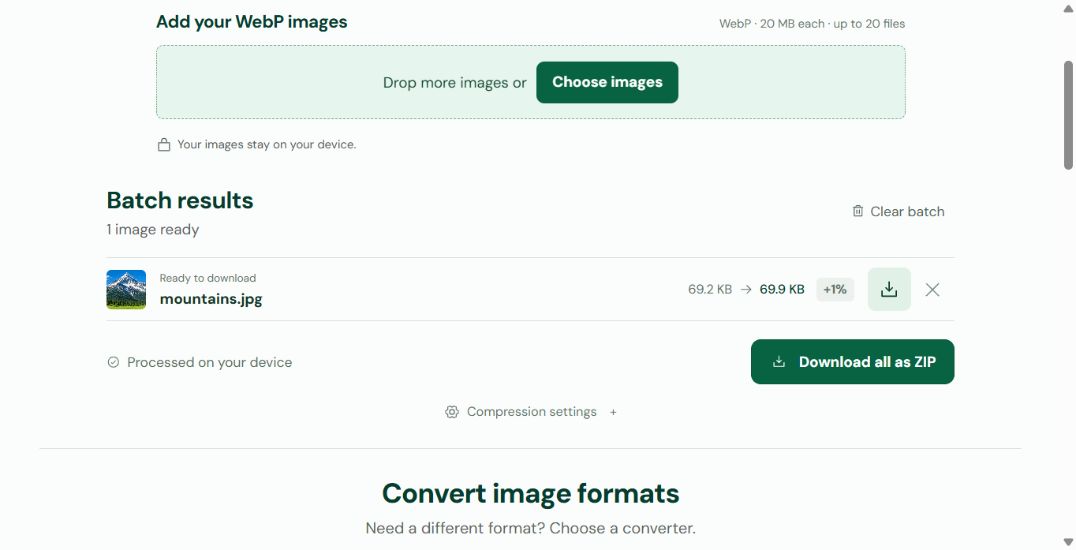
When an editor or upload form asks for JPG, select your still WebP files together and convert them in one batch. The results show each file’s original and output size. Open Compression settings to change JPG quality and apply it again to the source batch.
JPG fills transparent areas with white and can be larger than the WebP source. This converter keeps image dimensions and supports still images, not animated WebP.
Looking for smaller files? Try image compressionHow to batch convert WebP to JPG
Choose several still WebP files, run one batch and save actual JPG images for an app or upload form that needs them. The image files are processed on your device.
- Drop or choose up to 20 still WebP images. Review the selection and remove any unwanted files before starting. Each file must fit the 20 MB and 32 megapixel limits.
- Click Convert to process the selected batch. Keep the page open while images are processed one at a time in your browser.
- Compare the result sizes and inspect areas that were transparent. For another JPG quality setting, open Compression settings and select Apply to this batch to process the source images again.
- Download individual .jpg results, or choose Download all as ZIP for the ready files. Keep your WebP originals if you still need their transparency or smaller size.
Frequently asked questions
Can I convert multiple WebP images at once?
Yes. Add up to 20 still WebP images before selecting Convert. Each file must be no larger than 20 MiB, labelled 20 MB in the interface, and 32 megapixels. Results appear as individual rows, and ready JPG files can be downloaded together as a ZIP.
Is changing the filename from .webp to .jpg enough?
Renaming a file changes its name, not its image format. This tool decodes WebP and creates an actual JPG file. It also checks that the input contents match the reported image type.
Why is the JPG larger than the WebP?
WebP and JPG encode an image differently. An efficiently compressed WebP can produce a larger JPG. This is a format conversion, not a guarantee of smaller files. Adjust JPG quality only as far as the visible detail remains acceptable; conversion keeps the original dimensions.
Can I convert an animated WebP to JPG here?
Animated WebP files are not supported. PicNexo rejects them rather than treating an animation as a still image. Choose a still WebP or export the frame you need first.
How can I keep a transparent WebP background?
Use WebP to PNG when you need to keep transparent areas. The JPG converter fills them with white because JPG cannot store transparency.
Are my WebP images uploaded to a server?
The image files and conversion results stay in your browser until you download them. The website still makes normal requests to load its pages and processing code. Optional visit and tool-use analytics runs only if you allow it; the conversion also works when you reject analytics.
A measured WebP to JPG example
Chrome 157 · JPG quality 82% · 752 × 327 pixels · Measured 14 November 2026
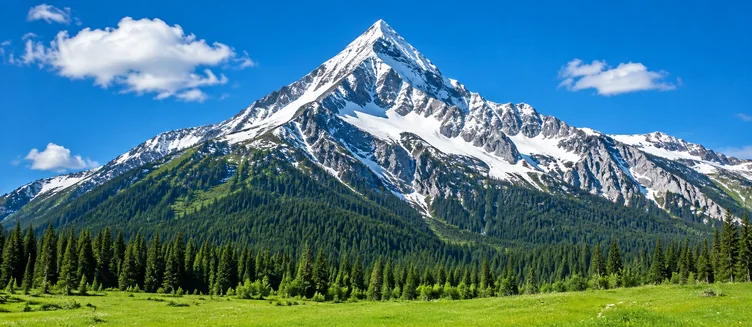

This photo became slightly larger as JPG. It is a compatibility conversion, not a guaranteed size saving. Dimensions were unchanged; results vary with the source image and browser.