PNG to JPG
Convert up to 20 PNG images to JPG on your device. Download individually or as a ZIP.
Preparing your image picker…
A photo, a transparent illustration and a synthetic screenshot. No files needed.
Convert image formats
Need a different format? Choose a converter.
A GOOD FORMAT FOR EVERY IMAGE
Convert PNG photos for JPG-only uploads.
Use JPG for photos, email attachments and forms that require a .jpg file. Add several PNGs at once, compare the output sizes and adjust JPG quality after the first run.
JPG uses lossy encoding and fills transparent areas with white. Keep PNG for crisp screenshots, logos, transparency or exact pixel data. Conversion keeps the image dimensions; a smaller file is not guaranteed.
Looking for smaller files? Try image compressionHow to batch convert PNG images to JPG
Create actual JPG files for an app or upload form that needs them, then check the result before replacing your PNG originals.
- Choose or drop up to 20 still PNG images. Each file must fit the 20 MB and 32 megapixel limits. Review the selection before starting.
- Click Convert to process the selected batch in your browser. Each result is encoded as JPG with a .jpg filename and the original image dimensions.
- Compare the original and output sizes, fine detail and any previously transparent areas. Open Compression settings to change JPG quality, then choose Apply to this batch to process the original PNGs again.
- Download an individual JPG or choose Download all as ZIP for the ready files. Keep your PNG originals if you still need transparency, crisp text or an editable source.
Frequently asked questions
Why does the converted JPG have a white background?
JPG cannot store transparent pixels. PicNexo places the PNG on a white background before saving it as JPG, including any partly transparent edges. Keep the PNG or use PNG to WebP if the image must sit over a colored or changing background.
Will converting PNG to JPG always reduce the file size?
No. A photographic PNG can become smaller as JPG, but a small, efficiently encoded PNG may produce a larger JPG. File size depends on the source and quality setting. PicNexo shows both sizes so you can decide which version fits your needs.
Should I convert a screenshot or logo to JPG?
Keep PNG when crisp text, sharp edges, exact pixel data or transparency matters. JPG uses lossy encoding, which can change fine detail around letters and shapes. If a destination requires JPG, inspect the converted image and retain the PNG for editing.
Can I change JPG quality without resizing my PNG?
Yes. Conversion keeps the original width and height. After the first run, open Compression settings, adjust JPG / WebP quality and select Apply to this batch. The tool processes the source PNGs again rather than recompressing an earlier JPG result. Lower quality can reduce file size while changing image detail.
Can I batch convert PNG files without uploading them?
Yes. Choose up to 20 still PNG images, each no larger than 20 MiB (labelled 20 MB in the interface) and 32 megapixels. Conversion happens on your device, and the image files are not uploaded to a server. You can download individual JPGs or a batch ZIP without an account. Optional visit and tool-use analytics runs only if you allow it; rejecting analytics does not prevent conversion.
Can I convert an animated PNG?
This converter accepts still PNG images. Animated PNG files are rejected rather than silently saving only one frame. Export a still image from the animation before using this tool.
Photo PNG to JPG: a measured size reduction
Chrome 157 · JPG quality 82% · 1902 × 827 pixels · Measured 16 November 2026
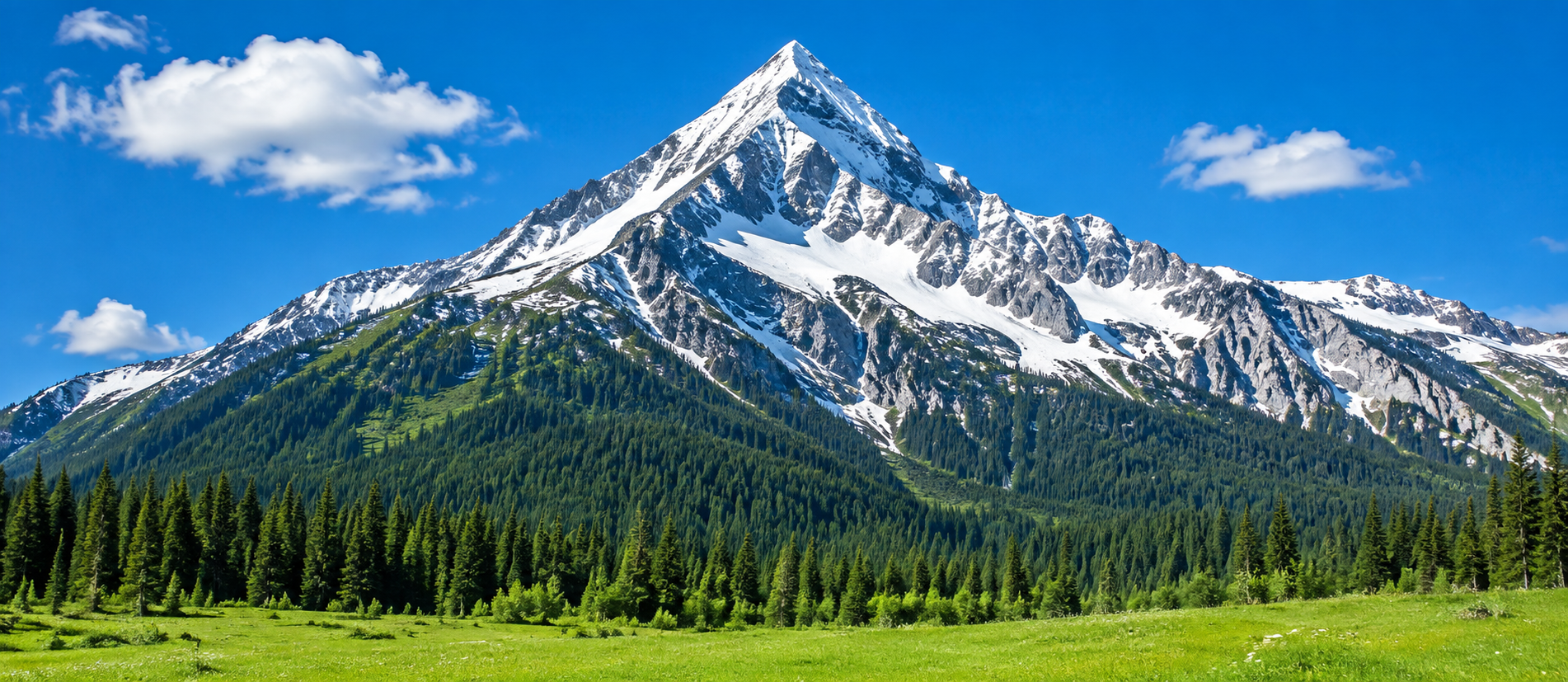
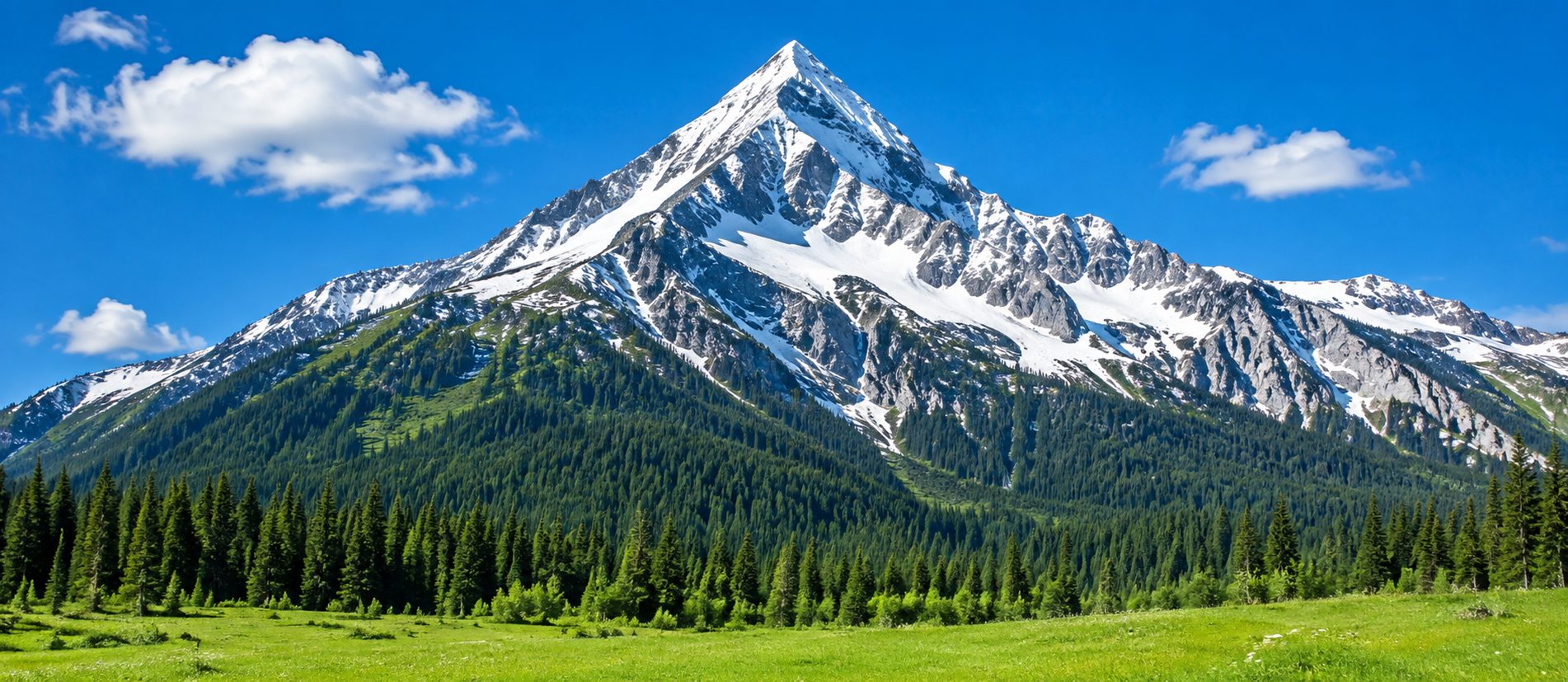
This photographic PNG became smaller as JPG. JPG uses lossy encoding, so compare fine detail before replacing the original. The dimensions stayed the same. This measured file is one example, not a promised saving.
Transparent PNG to JPG: the background becomes white
Chrome 157 · JPG quality 82% · 512 × 384 pixels · Measured 16 November 2026


The checkerboard behind the PNG indicates transparency. JPG cannot store it: the converter fills transparent areas with white before encoding. This synthetic illustration became larger. Keep PNG or use WebP when you need a transparent background; JPG can also introduce artifacts around edges.
Screenshot-style PNG to JPG: smaller is not guaranteed
Chrome 157 · JPG quality 82% · 640 × 400 pixels · Measured 16 November 2026
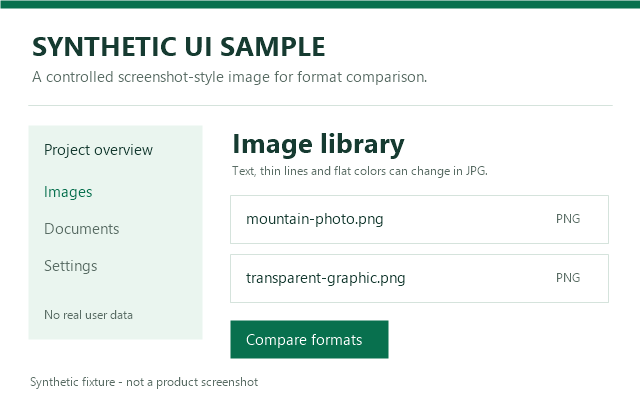
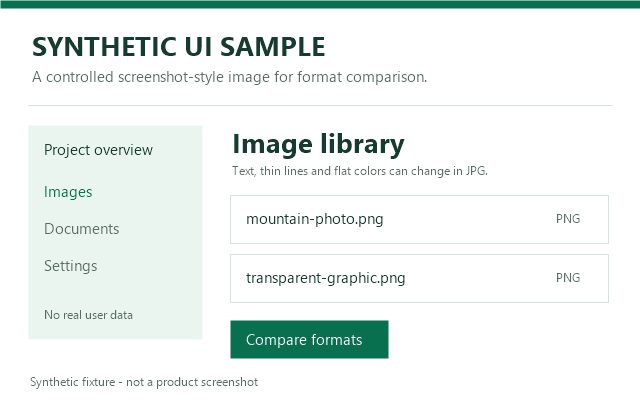
This synthetic interface has text, flat colors and sharp edges. Its JPG became larger than the PNG. Inspect text and line edges at full size; keeping PNG can be a better choice for screenshots. Results depend on the source and browser.